CentOS配置外部YUM源
以配置阿里云的为例
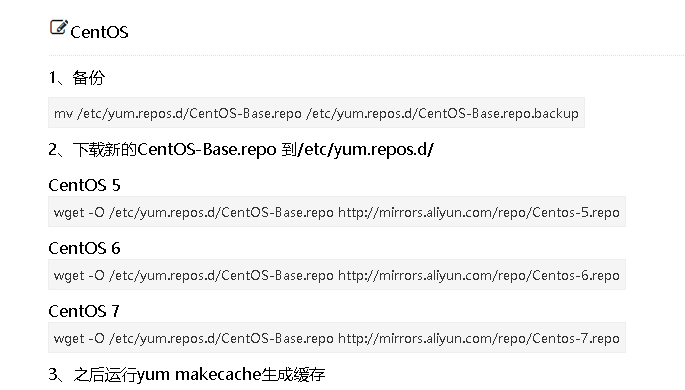
- 备份
mv /etc/yum.repos.d/CentOS-Base.repo /etc/yum.repos.d/CentOS-Base.repo.backup


- 下载新的CentOS-Base.repo 到/etc/yum.repos.d/ #Centos6 yum源
wget -O /etc/yum.repos.d/CentOS-Base.repo http://mirrors.aliyun.com/repo/Centos-6.repo

下载新的CentOS-Base.repo 到/etc/yum.repos.d/ #Centos7 yum源
1
2
3
wget -O /etc/yum.repos.d/CentOS-Base.repo http://mirrors.aliyun.com/repo/Centos-7.repo #阿里云源
wget -O /etc/yum.repos.d/CentOS-Base.repo http://mirrors.163.com/.help/CentOS7-Base-163.repo #163源清除系统所有的yum缓存
yum clean all生成yum缓存
yum makecach

CentOS配置外部epel源
安装epel源
1
2
3
4
yum list | grep epel-release
yum install -y epel-release
cd /etc/yum.repos.d/
ls # epel源安装成功,比原来多了一个epel.repo和epel-testing.repo文件使用阿里开源镜像提供的epel源
wget -O /etc/yum.repos.d/epel-7.repo http://mirrors.aliyun.com/repo/epel-7.repo